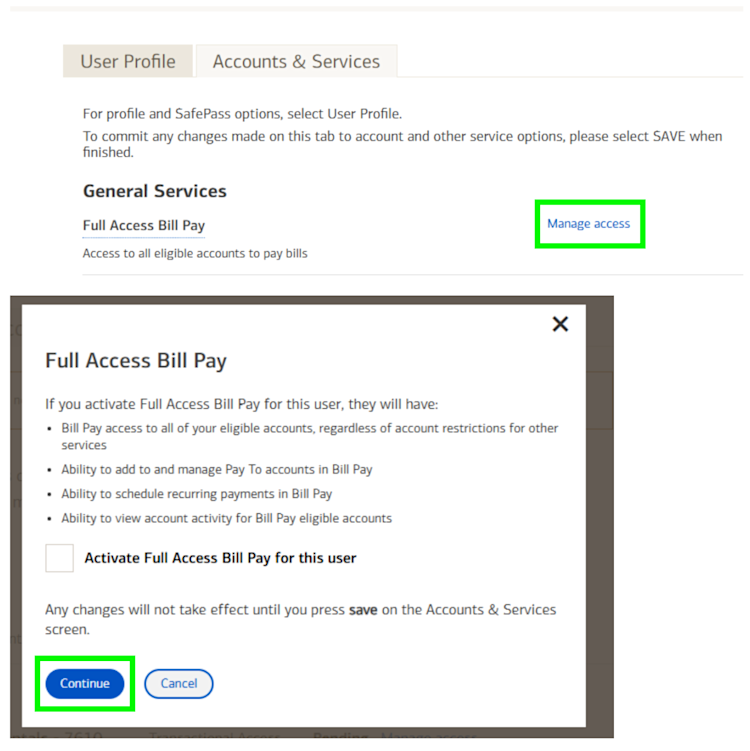
Use these steps to view and manage access for sub-users, including Bill Pay and other general services.
Manage Sub-Users
- Select the Business Services tab in the top navigation menu.
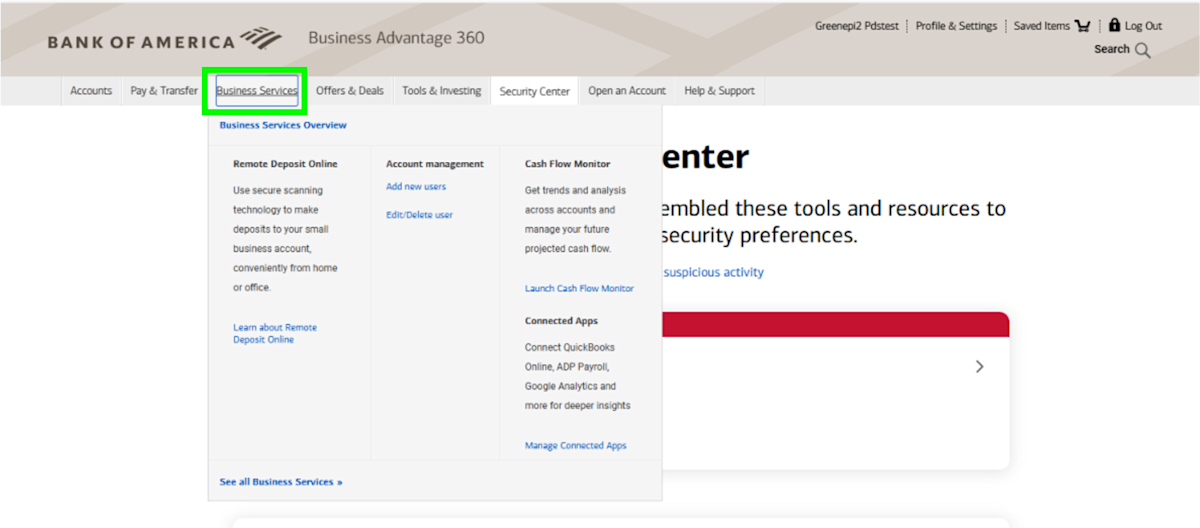
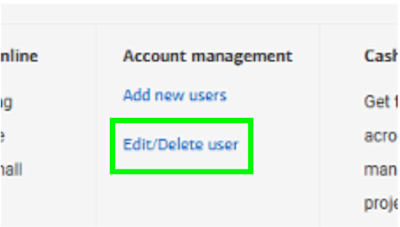
- Select Edit/Delete User to open user management options.
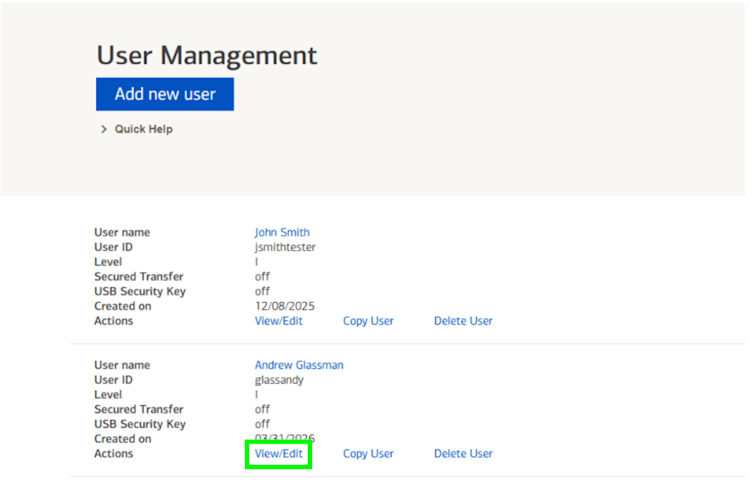
- Find the sub-user you want to update.
- Select View/Edit under that user’s name.
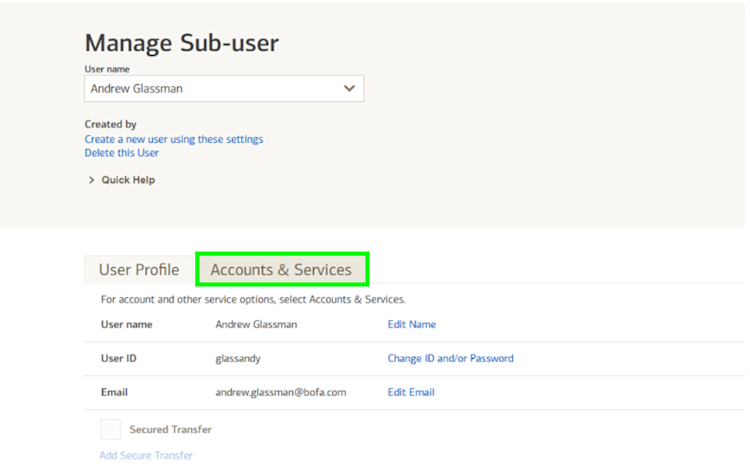
- Select Accounts & Services on the Manage Sub-User screen.
- Select Manage Access.
- Under General Services, choose the services you want to manage:
- Bill Pay
- Manage Access
- Update access as needed and select Continue save your changes.